 GRIDWELL
The 2027 Goal Planner for Google Sheets 8 goals, 4 quarters, 12 check-ins.
Most New Year's goals are gone by February. There's nothing between "the dream" and "today" to hold them up. This planner is that missing piece. Set it up in one evening, then spend 15 minutes a month keeping the year on track.
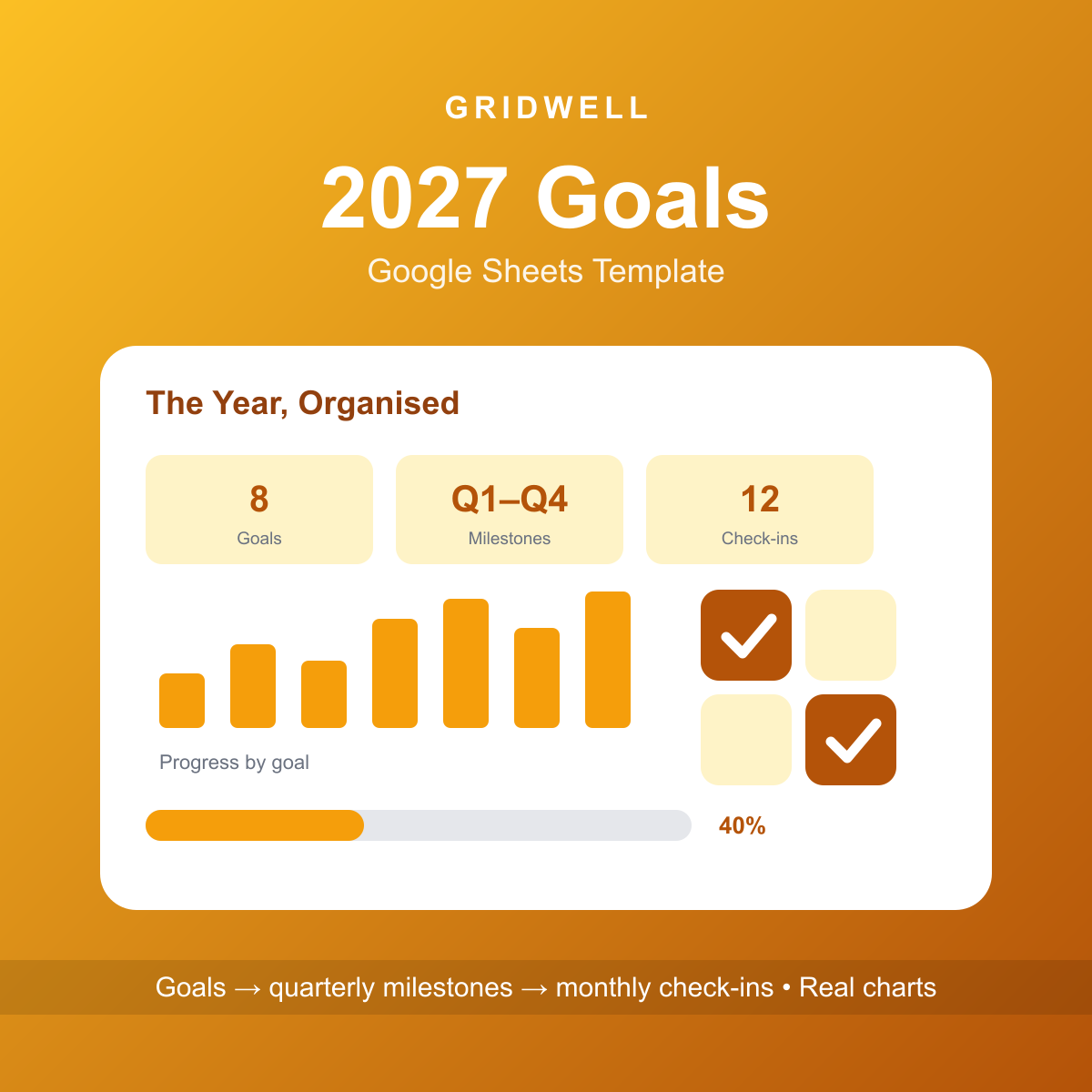
One file. The whole year.
Eight tabs, each doing one job, including a How to Use guide so you're never staring at a blank sheet. It all lives in a single Google Sheets file in your own Drive.
The year at a glance
Goals set, average progress, goals done and check-ins completed, all on one screen, with one-click links to every other tab.
Up to 8 goals, done properly
Each goal gets a why, a measurable target and a live progress bar. Writing the why is the part most people skip, and it's what gets you through March.
Quarterly milestones
One milestone per goal per quarter, broken into three tick-off action steps. Each quarter closes with a review: biggest win, hardest lesson, what changes next.
12 monthly reviews
A short, structured review each month with a score out of 10. The scores feed a trend chart, so you can see whether the year is drifting before it's too late.
Plan 2027 in one evening.
Buy and make your copy
Checkout on Payhip takes a minute. You get a link, click Make a copy, and the planner is saved to your Google Drive.
Choose three to five goals
The planner allows eight, but fewer is better. For each one, write why it matters and what "done" looks like as a number or a date.
Cut each goal into quarters
Ask what has to be true by the end of March, June, September and December. Each answer becomes a milestone with three concrete steps.
Check in once a month
On the first Sunday of every month, spend 15 minutes on the check-in. Score the month, tick off steps and adjust. That habit keeps the plan alive.
Why plan goals in Google Sheets?
Paper planners get left in drawers. Goal apps send notifications until you delete them. A spreadsheet you can open on any device, that shows your progress in plain colour, tends to outlast both.
| Paper planner | Goal app | Gridwell planner | |
|---|---|---|---|
| Cost | $20–$60 every year | Often a monthly subscription | $15 once |
| On your phone | No | Yes | Yes, in the free Sheets app |
| Progress maths done for you | No | Yes | Yes, bars and a trend chart |
| You own your data | Yes | Depends on the app | Yes, it's in your Drive |
| Customisable | Hardly | Limited | Fully. It's your sheet |
Questions, answered.
Do I need Excel or paid software?
No. The planner runs in Google Sheets, which is free with any Google account, on a computer or phone.
How do I get the planner after buying?
Checkout is on Payhip. Right after payment you get a link to your copy. Click Make a copy and the planner is saved to your own Google Drive.
Why only 8 goals?
Focus is the feature. Most people who set 15 goals finish none. Eight is the ceiling; three to five is the sweet spot.
Can I start in the middle of the year?
Yes. Start at whichever quarter you are in and leave earlier check-ins blank. The dashboard only counts what you fill in.
Is it a subscription?
No. It is a one-time $15 payment. The planner lives in your Google Drive and is yours to keep.
Something isn't working. Who do I contact?
Email heirsonsolutions@outlook.com. A real person will reply and sort it out.
Don't start 2027 with the same list.
One evening of setup, 15 minutes a month after that, and a year you can actually see moving.
$15