 GRIDWELL
Monthly Budget Template for Google Sheets Every dollar, named.
Most budgets fail for one of two reasons: they take too long to keep up, or you never look at them again. This one takes a minute a day to log, and every month tab shows you the truth at a glance: what came in, what went out, and where you went over.
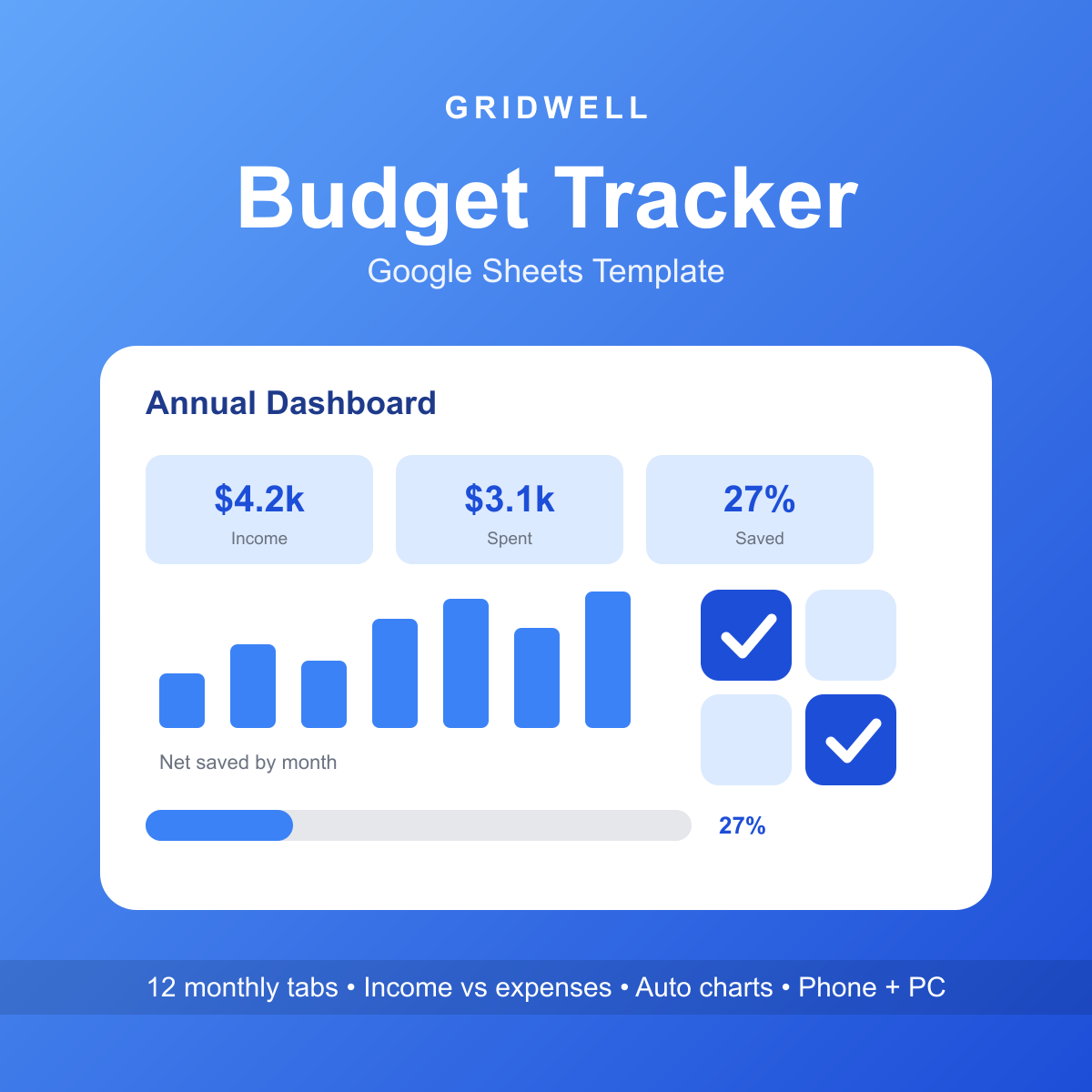
A whole year of money, in one file.
Sixteen tabs: Home, a How to Use guide, Setup, an Annual Dashboard, and one tab for every month from January to December.
Done once
List your income sources and set a monthly budget for each category: rent, groceries, transport, dining out and more. Rename anything to fit your life.
A tab for every month
Log each payment with date, type, category and amount. Dropdowns keep categories consistent, so the totals stay accurate.
See where you went over
Each month shows budget, spent and what's left for every category, with bar charts. Income, expenses, net saved and your savings rate sit at the top.
The year, added up
All 12 months roll up into yearly income, expenses, savings and savings rate, with Income vs Expenses and Net Saved charts.
How to start a budget that lasts.
You don't need to be good with money to budget. You need a simple routine you'll actually keep. Here's the one this template is built around:
Start with last month, not a guess
Pull up last month's bank statement and see what you really spent on groceries, eating out and transport. Budgets built on guesses break in week two.
Set budgets you can hit
On the Setup tab, set each category close to what you actually spend, then trim one or two. Small cuts you keep beat big cuts you abandon.
Log as you go
Add each payment the same day. It takes under a minute, and typing the number in yourself is what makes you notice it.
Review once a week
Open the month tab every Sunday. The budget-vs-actual bars show which category is running hot while there's still time to slow down.
Name your savings
Treat savings as a category with its own budget, not whatever happens to be left over. Watch your savings rate climb month by month.
Why budget in Google Sheets?
Budgeting apps are convenient, until the subscription renews or the bank sync breaks. A spreadsheet is slower to set up and faster to trust.
| Budgeting app | Blank spreadsheet | Gridwell template | |
|---|---|---|---|
| Cost | Often a yearly subscription | Free | $12 once |
| Ready to use | Yes | No, you build it | Yes, in minutes |
| Charts and totals | Yes | Only if you build them | Yes, automatic |
| Bank login needed | Usually | No | No |
| You own your data | Depends on the app | Yes | Yes, it's in your Drive |
Questions, answered.
Do I need Excel?
No. The budget template runs in Google Sheets, which is free with any Google account, on a computer or phone.
Does it connect to my bank?
No. You log transactions yourself. Many people find that typing each one in is exactly what changes their spending. Your data stays in your own Google Drive.
Can I change the categories?
Yes. Categories and monthly budgets live on the Setup tab. Rename them, change the amounts, and every month tab updates.
Can I start in the middle of the year?
Yes. Start on the current month's tab. The annual dashboard only adds up the months you fill in.
Is it a subscription?
No. It is a one-time $12 payment and the template is yours to keep.
Know where your money goes, every month.
Ten minutes of setup, a minute a day to log, and a year of numbers you can actually trust.
$12