 GRIDWELL
Free Subscription Tracker for Google Sheets Find the small leaks.
$9.99 a month doesn't feel like much. Add up five of them and multiply by twelve, and it's a different story. List every subscription once, and this sheet shows what each one really costs per year, when it renews, and how much you'd keep by cancelling.
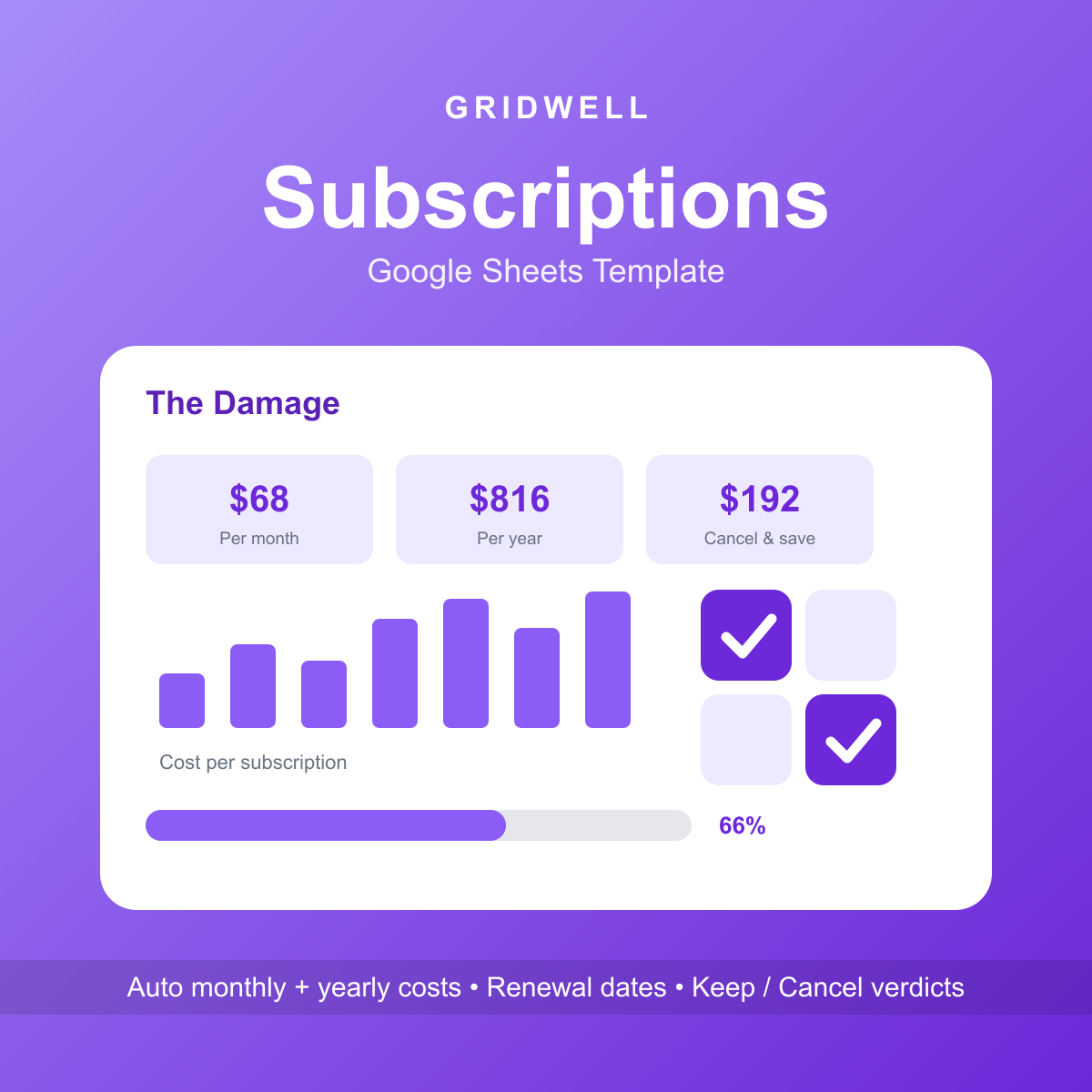
One sheet. The real number.
Three tabs: a Home screen with your totals, a short How to Use guide, and the tracker itself with room for 25 subscriptions.
Your totals at a glance
What you spend per month, per year, how many subscriptions you have, and how much you'd save per year by cancelling.
Every subscription, converted
Enter the price and pick weekly, monthly or yearly. The sheet works out the monthly and yearly cost of each one for you.
Nothing sneaks up on you
Add each renewal date so a yearly charge never lands as a surprise. There's also a "used lately?" column to keep you honest.
Keep, review or cancel
Give each one a colour-coded verdict. Everything marked Cancel adds up into a single "Cancel & save per year" figure.
Where subscriptions hide.
The ones you remember aren't the problem. It's the ones you forgot. Before you fill in the tracker, check these five places:
Your last two bank and card statements. Look for small repeating charges with names you don't recognise. Two months catches most monthly charges; scan the full year for annual ones.
Your phone's app store. On iPhone: Settings → your name → Subscriptions. On Android: Play Store → profile → Payments & subscriptions.
Your email. Search for "receipt", "renewal", "your subscription" and "free trial".
PayPal. It keeps a separate list of automatic payments that won't always show clearly on your bank statement.
Bundles and add-ons. Extra cloud storage, phone insurance, premium tiers on apps you mostly use for free.
Then give each one an honest verdict. If you haven't used it in a month, mark it Review. If you'd be annoyed to discover you're paying for it, mark it Cancel.
Questions, answered.
Is the subscription tracker really free?
Yes. It costs nothing. You enter your email at checkout so the download link can be sent to you. No card is needed.
Do I need Excel?
No. It runs in Google Sheets, which is free with any Google account, on a computer or phone.
Does it connect to my bank?
No. You type your subscriptions in yourself. Nothing is linked to your bank, and your data stays in your own Google Drive.
What about yearly or weekly subscriptions?
Pick weekly, monthly or yearly for each one. The sheet converts everything to a monthly and a yearly cost automatically, so you can compare them fairly.
Twenty minutes. One honest number.
Find out what your subscriptions really cost you each year, and what you'd keep by letting a few go.